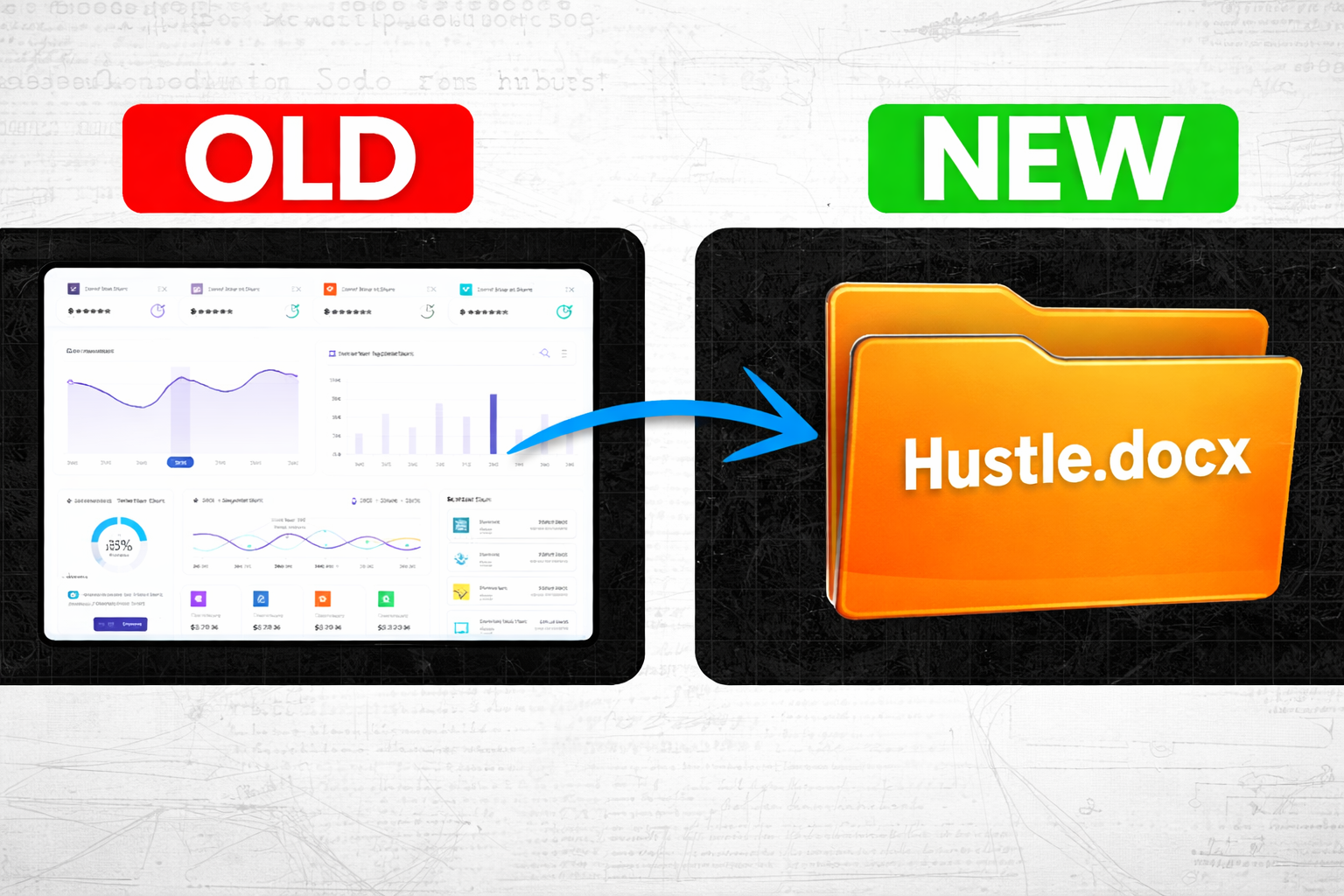
Building a software business used to be brutally expensive, time-consuming, and reserved for people with deep technical backgrounds. Developers, designers, six-figure budgets, and months of runway — that was the entry fee just to get something in front of your first customer.
That barrier has collapsed.
A new model is emerging around AI-powered “skills” — small instruction files that teach AI assistants how to perform specific tasks — and it’s making it possible for one person, even a non-technical one, to build a functional software product in a weekend.
This guide breaks down what that opportunity actually looks like, five concrete business types you can build around it, and an honest assessment of who this is really for — and who might be better served by a different path.
What Is Skills-as-a-SaaS and Why Does It Matter?
The SaaS Dream (and Why It Was Out of Reach)
Software as a Service — or SaaS — has been the holy grail of tech entrepreneurship for two decades. You build a product once, and customers pay you every month to keep using it. Recurring revenue. Passive income. Companies built this way often sell for 10x, 20x, sometimes 50x their annual revenue.
The problem? Building a traditional SaaS required a huge pie of effort. The actual core functionality — the thing that does something useful — was only about 20-30% of the work. The rest was the interface (screens, dashboards, buttons), infrastructure (databases, login systems, billing, security), and marketing. That full circle of effort used to cost $50,000 to $200,000 and take six to twelve months just to get a working version in front of customers.
Most people never even started.
What Changed
A new category of AI assistant software has emerged that allows users to connect a personal AI to tools like WhatsApp or Telegram and have it perform real tasks — clearing emails, booking travel, researching companies, writing code. What makes this relevant for builders is how these assistants are extended: through “skills.”
A skill is essentially a structured instruction file that teaches the AI how to do something new. Without a skill, the assistant knows how to have conversations. With a skill, it can analyze legal contracts, scrape data from the web, pull reports from your CRM, or connect to your custom backend service.
This is the shift that matters. When someone builds a skill that connects to a paid backend service, they’ve essentially created a SaaS product — without building a front-end interface, without complex login systems, and with a marketplace already full of potential customers looking for useful skills to add to their assistant.
5 Types of Software Businesses You Can Build with AI Skills
1. Pure Prompt Skills (Expertise in a File)
This is the simplest starting point. A pure prompt skill is a plain text file containing detailed instructions that tell the AI how to approach a task using your methodology or expertise.
Example: If you know how to review contracts and identify risky clauses, you write out your framework — what to look for, what red flags matter, what questions to ask — and package that as a skill. Anyone who loads it into their AI assistant can now review contracts using your approach.
Other ideas: writing frameworks, research processes, analysis methodologies, due diligence checklists.
Revenue potential: $10–$50 one-time (or as a lead magnet/free download)
Honest caveat: The “moat” here is minimal. Anyone who downloads your skill can read the instructions and copy them. Think of it like selling a prompt template. Useful, but not particularly defensible long-term. It’s a great way to start and learn the format, but not a scalable recurring revenue business on its own.
2. Utility Skills (Wrapped Scripts That Do Things)
One level up from pure prompts, utility skills wrap a small piece of code that actually performs a task. The skill teaches the AI how and when to trigger that code.
Example: A YouTube transcript extractor that downloads the audio of a video and runs it through a transcription model to produce a high-quality, accurate transcript — far better than the auto-generated captions YouTube provides. Content creators, researchers, and journalists need this constantly.
Other examples: web scrapers, PDF parsers, data format converters, image processors.
What makes this a business: These tools break. YouTube changes its structure. Websites update. The value you’re selling isn’t just the code — it’s that when it breaks, someone fixes it. That ongoing maintenance is worth $5–$15 per month to people who rely on it daily.
Revenue potential: $5–$15/month per user
3. API Integration Skills (Bridges to Existing Tools)
These skills teach an AI assistant how to interact intelligently with software tools people already use — things like CRMs, project management platforms, email marketing systems, or accounting software.
Example: A skill that connects an AI assistant to a CRM platform. Instead of logging in, navigating menus, and manually entering data, the user just says “add this person as a lead” and the assistant handles it — because your skill has already taught it exactly how that system works and what API calls to make.
The value here isn’t in calling the API — it’s in the integration logic. Knowing which endpoints to use, how to handle errors, what data format the system expects, and how to translate natural language requests into correct API actions. That’s where the expertise lives.
Revenue potential: $20–$100 one-time, or recurring if you frame it as ongoing support and updates
4. Backend Service Skills (The Real Recurring Revenue Model)
This is the core of what makes Skills-as-a-SaaS genuinely exciting. Here, you run a service on a server. Your skill teaches the AI how to send requests to your service and interpret the results. Users pay monthly for access.
Example: A lead intelligence service. A user tells their AI assistant “research this company for me.” The assistant reads your skill, sends a request to your server with the company name, and your server goes out — scraping LinkedIn, news sources, company databases — synthesizes a clean briefing, and sends it back. The user sees a polished company research report. What they don’t see is your server doing the work behind the scenes.
Technical setup (simplified):
- Write a small server program (100–200 lines of code, AI can help you write this) that receives requests and returns responses
- Deploy it on cheap cloud hosting ($10–$20/month)
- Create a simple one-page landing page with pricing
- Set up payment processing so users can subscribe
- Issue API keys to paying customers
- Write a 30–40 line skill file that tells the AI how and when to use your service
What makes the moat strong: Your skill instructions may be public and readable, but they’re useless without your server running behind them. It’s like having a phone number with no one answering — the skill is just the directions to your service. Without paying, there’s nothing there.
Revenue potential: $9–$50/month per user. At 100 users paying $19/month, that’s $1,900/month recurring with hosting costs of $20–$50/month.
5. Proprietary Data Skills (The Most Defensible Category)
This is where the biggest long-term businesses may be built. Proprietary data skills are backed by information that other people simply don’t have access to — and the AI helps users extract insight from it without ever exposing the raw data.
How it works: You collect valuable data over time — industry pricing benchmarks, market research, regulatory filings, expert knowledge from years in a field — and store it in a searchable database. When a user asks a question, the system finds the most relevant pieces from your database, hands them to the AI, and the AI synthesizes a clear, useful answer.
Example: A market intelligence skill that has tracked pricing data for thousands of software tools over time. A user asks “what’s the average price for project management tools targeting small teams?” Your skill returns a clean answer drawn from your dataset — not raw numbers, but an interpreted response.
The user is paying you because you did the hard work of collecting and maintaining that data. A consultant might charge $300/hour for similar insight. Your skill can provide it for $29/month.
Revenue potential: $19–$200/month depending on data value and audience
Step-by-Step Guide: How to Launch Your First Backend Service Skill
- Choose a narrow, specific problem — Pick something you understand well or can research thoroughly. Narrow beats broad. “Company research for sales teams” is better than “business intelligence.”
- Validate before you build — Describe your idea to potential users (Reddit communities, LinkedIn, niche forums). Would they pay $19/month for it? Get three people to say yes before writing a line of code.
- Build your server — Use AI to help you write a simple backend in Python or Node.js. It should accept a request with parameters, do something useful with them, and return a structured response. Keep it to one core function first.
- Deploy to cheap cloud hosting — A basic virtual private server costs $7–$20/month and is sufficient to start. Set it up with your server running continuously.
- Create a simple landing page — One page. Clear headline, three bullet points explaining what it does, pricing, and a sign-up button. Don’t over-engineer this.
- Connect payment processing — Link a payment processor so users can subscribe. Once they pay, generate an API key for their account.
- Write your skill file — A plain text file (30–50 lines) that explains to the AI what your service does, when to use it, and how to format requests and interpret responses.
- Publish to the skills marketplace — Submit your skill with a clear description. The marketplace provides distribution — people already looking for skills to add to their assistant will find yours.
- Iterate based on user feedback — Your first version will be imperfect. Talk to your first ten users. Fix what’s broken. Add what’s missing.
Common Mistakes to Avoid
Building before validating. It’s tempting to spend three weeks building something and then look for customers. Flip that order. Talk to potential users first.
Trying to do too much. A skill that does one thing well is far more useful — and far easier to build and maintain — than one that tries to handle ten use cases.
Ignoring maintenance. If your skill connects to external services or websites, those will change. Budget time each month to keep things working. That’s the product.
Chasing the newest platform without foundation. This ecosystem is new and evolving quickly. Platforms may change. The skills you build for one marketplace today may need rebuilding for three different platforms in six months. Build skills, yes — but don’t bet your entire livelihood on one unproven platform.
Underpricing because you feel uncertain. If your service genuinely saves someone two hours a month, $19/month is not expensive. Price for the value delivered, not for what feels comfortable.
Tracking & Improvement
Once your skill-backed service is live, measuring performance is essential. Two tools cover the basics well:
Google Search Console — If your landing page is indexed, Search Console shows you which search terms bring people to your page, how many clicks you’re getting, and where your rankings sit. Use this to understand what language your customers use when searching for solutions like yours.
Google Analytics — Track how visitors behave on your landing page. Where do people drop off? How long are they staying? What percentage click the sign-up button? This data tells you what to fix.
For subscription metrics — churn rate, monthly recurring revenue, customer lifetime value — a simple spreadsheet works fine at the start. Tools like Stripe’s built-in dashboard also surface these numbers automatically once you have paying customers.
Revisit your skill’s marketplace listing every 30 days. Update the description based on what users actually ask about. Test different headlines. Treat it like a living document.
Frequently Asked Questions
Do I need to know how to code to build a Skills-as-a-SaaS business? For pure prompt skills and some utility skills, no coding is required. For backend service skills, you’ll need a simple server — but AI coding tools can generate this for you even if you’ve never written code. The setup is significantly simpler than traditional software development.
How long does it take to build a first version? A determined beginner with a clear idea can put together a working backend service skill — including the server, landing page, and skill file — in a weekend. It won’t be polished, but it can be functional enough to show to early users.
What if another platform releases competing skills? This is a real risk. The skills ecosystem is new, and larger AI companies are paying close attention. Skills built for one platform may need to be adapted for others. The more defensible your business (especially proprietary data), the better positioned you are if the platform landscape shifts.
Can businesses use AI assistant skills for their internal operations? Currently, enterprise adoption of personal AI assistant platforms is limited by security and compliance concerns. Most larger organizations are waiting for more mature, enterprise-grade solutions. Consumer and small business use cases are where the early opportunity sits.
Is this a replacement for traditional SaaS? Not exactly — it’s a different path to a similar outcome. Traditional SaaS still makes sense for complex products with rich interfaces. The Skills-as-a-SaaS model is particularly well-suited for utility-focused tools where conversational interaction replaces the need for a traditional UI.
What pricing model works best for skills? For backend service skills, monthly subscriptions in the $9–$50 range tend to work well. Price based on the value your skill provides, not the cost of your infrastructure. If your skill saves a sales rep two hours a week, $29/month is an easy sell.
How do I get my first customers? Start with the marketplace — it provides built-in discovery. Also share your skill in relevant online communities where your target users spend time. Offer a free trial period. Ask early users for honest feedback and testimonials.
What’s the alternative if the skills platform landscape shifts? The skills, AI, and automation knowledge you build are transferable. Understanding how to connect AI to APIs, how to structure backend services, and how to identify what problems are worth solving — those capabilities carry forward regardless of which platforms dominate. Many people find that agency and consulting work — helping businesses implement AI tools — provides a more stable foundation while the platform landscape matures.
Conclusion
The Skills-as-a-SaaS model is a genuinely new path into software entrepreneurship — one that’s dramatically more accessible than anything that came before it. The barrier to entry has dropped from six-figure budgets and six-month timelines to a weekend and a few dollars in hosting costs.
The five categories — prompt skills, utility skills, API integrations, backend service skills, and proprietary data skills — range from simple to sophisticated, and most people can realistically start with the simpler ones and work up.
That said, this is new territory. The platform landscape may shift. The people moving fastest are deeply technical and building at speed. For beginners, the most realistic path is to start with something simple, validate it with real users, and build steadily — rather than betting everything on a fast-moving, unproven ecosystem.
Your next step: Pick one of the five categories that aligns with something you already know or have access to. Spend this weekend writing a simple prompt skill or planning out a utility skill. Talk to five potential users before you build anything. That’s enough to start.
If you want to share what you build, communities of AI builders are active on platforms like Reddit and Discord — getting feedback early is worth more than months of solo development.
Share this post with anyone curious about AI business models — LinkedIn, relevant subreddits, and email newsletters in the tech or entrepreneurship space are good starting points.
Tools Mentioned (Quick Breakdown)
AI Coding Assistants (ChatGPT, Claude, etc.) Help you generate server code, landing page copy, and skill files even with minimal coding experience. Essential for non-technical builders attempting backend service skills.
Stripe Payment processing platform that handles subscriptions, API key issuance, and billing. Industry standard for SaaS businesses — setup is straightforward and well-documented.
Virtual Private Server (VPS) hosting Cloud-hosted servers that run your backend service 24/7. Plans start around $7–$20/month and provide the infrastructure for backend service skills without requiring your own hardware.
Skills Marketplaces (e.g., ClawHub) Distribution platforms where you publish your skill files. Provide built-in audience discovery — users already browsing for skills to enhance their AI assistants can find your work organically.
Vector Databases Searchable storage systems for large collections of text or data, used in proprietary data skills. Allow the AI to find relevant information from your dataset without exposing raw data to users.
OpenAI Whisper Audio transcription model used in utility skills that need high-quality, accurate transcripts from video or audio content. More accurate than platform-generated captions.
Internal Links to Add (Suggestions)
- “What Is a SaaS Business? A Beginner’s Guide to Recurring Revenue Models”
- “How to Use AI to Write Code When You’re Not a Developer”
- “Landing Page Essentials: What Your SaaS Sign-Up Page Actually Needs”
- “How to Price Your First Digital Product or Software Service”
- “Beginner’s Guide to AI Automation: What You Can Build Without Coding”
Image SEO (Filename + Alt Text Suggestions)
Image 1
- Filename:
skills-as-a-saas-business-model-diagram.png - Alt text: “Diagram showing how AI skills connect to backend services in a Skills-as-a-SaaS model”
Image 2
- Filename:
five-types-ai-skill-businesses-comparison.png - Alt text: “Comparison chart of five AI skills business types from prompt skills to proprietary data”
Image 3
- Filename:
saas-recurring-revenue-pricing-example.png - Alt text: “Example pricing breakdown for a backend AI skill service at 100 users paying 19 dollars per month”

Leave a Reply