Coda Review: The Smart Alternative to Spreadsheets for Running Your Startup
You’re juggling ten spreadsheets right now.
One for your customer pipeline. Another for product roadmaps. A third for team tasks. Maybe a fourth for revenue forecasts.
And here’s the frustrating part: none of them talk to each other.
When Sarah updates the sales numbers, the finance team doesn’t see it until next week. Your product roadmap lives separately from customer feedback. You spend more time copying data between files than actually using it.
Spreadsheets were built for calculations, not for running companies.
This Coda review will show you how one platform can replace your spreadsheet chaos with a connected, automated operating system that actually scales with your startup.
What Is Coda?
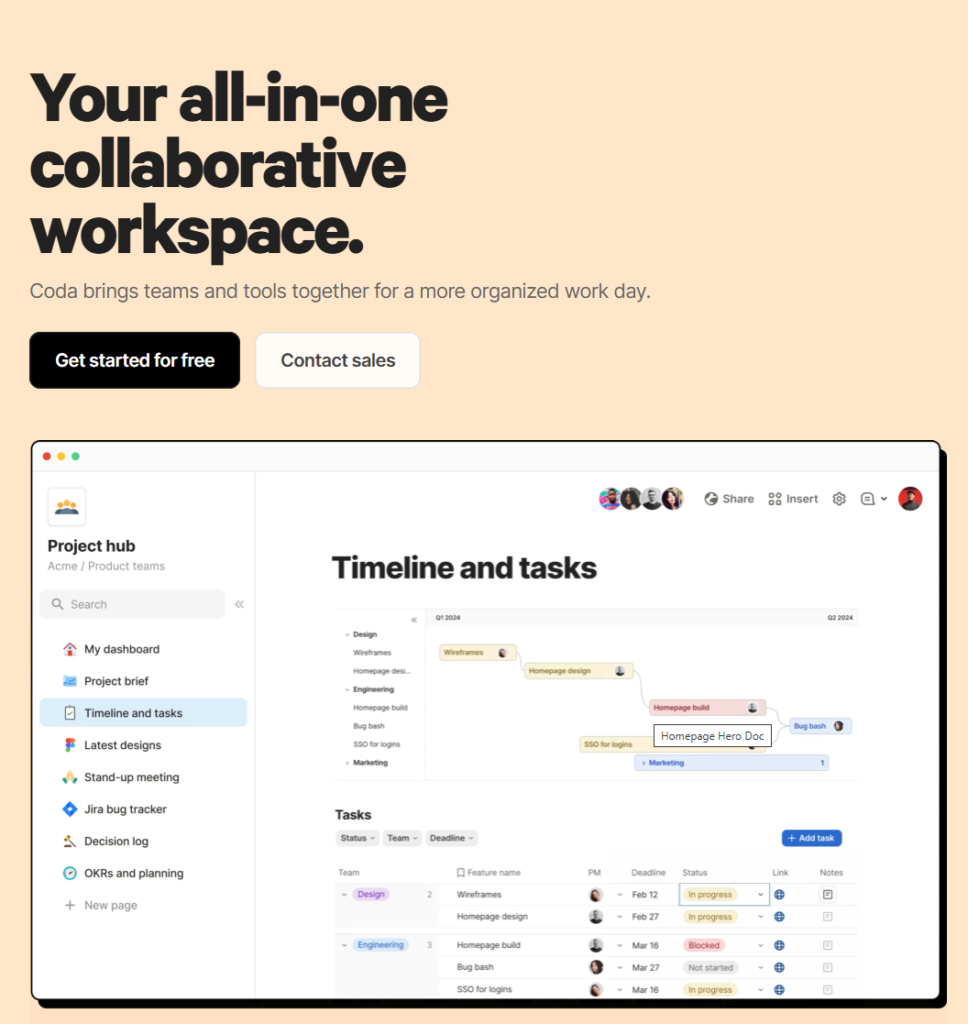
Coda is a document platform that works like a database.
Think of it as the love child of Google Docs and Airtable, but smarter.
Instead of static spreadsheets, Coda lets you build interactive documents where everything connects. Your customer data automatically feeds into revenue dashboards. Task updates trigger team notifications. Product roadmaps pull directly from customer feedback.
It’s designed for startups and teams who need structure without rigidity.
Founded in 2014 by Shishir Mehrotra (former YouTube VP), Coda launched publicly in 2019 and now powers operations for companies like Uber, The New York Times, and thousands of fast-growing startups.
Who Should Use Coda?
Coda works best for:
- Startup founders building their first operating system
- Product managers coordinating roadmaps and customer feedback
- Operations teams automating workflows without hiring engineers
- Remote teams needing one source of truth for everything
- Anyone replacing 5+ disconnected spreadsheets with something smarter
Who might not need Coda?
If you only need simple number crunching or one-off data analysis, regular spreadsheets work fine. Coda shines when you’re coordinating workflows, not just calculating formulas.
Top Features That Make Coda Stand Out
1. Tables That Act Like Databases
Unlike spreadsheet rows that just sit there, Coda tables are interactive.
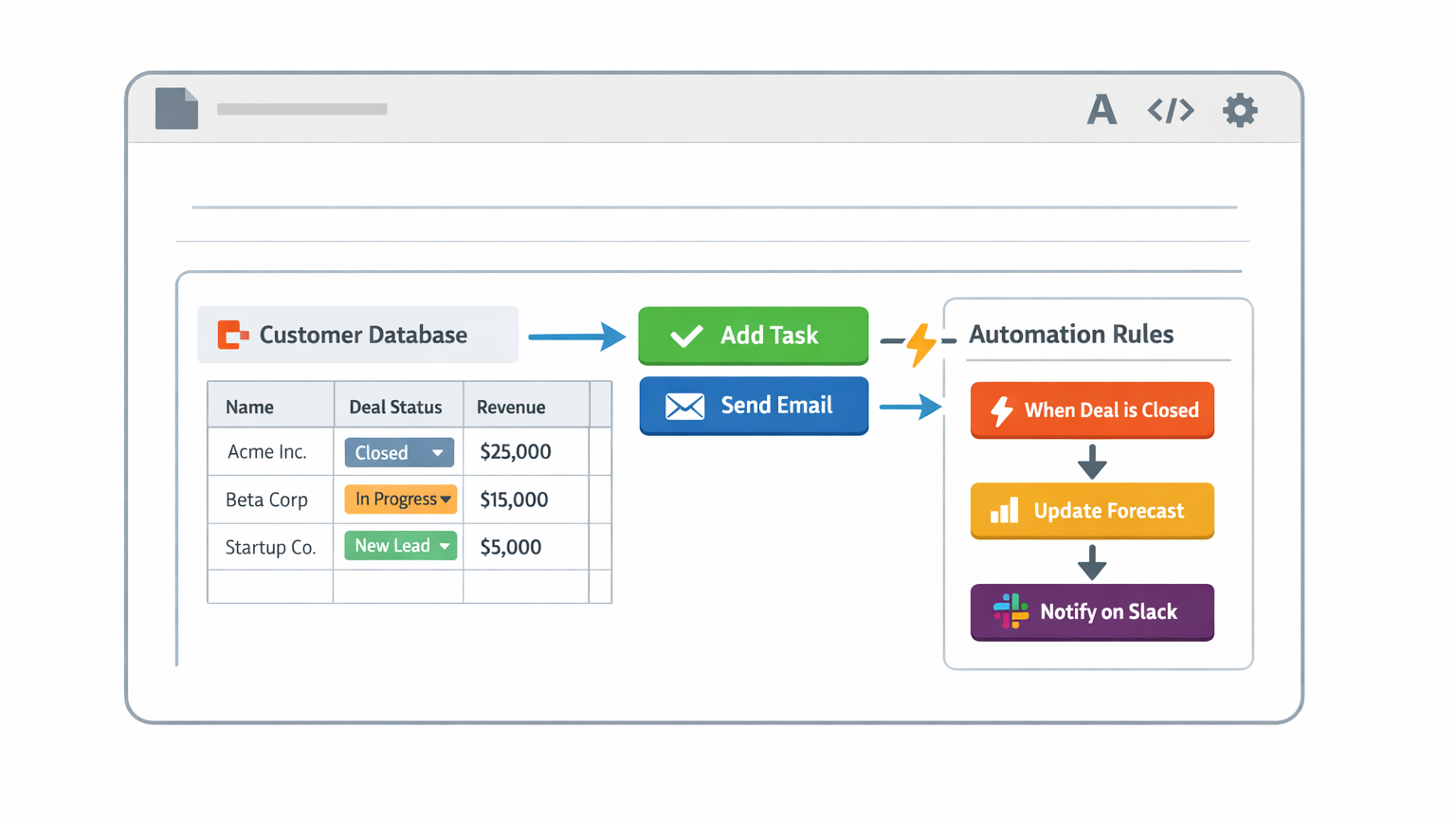
Add a customer to your sales tracker and it instantly appears in your revenue forecast, updates commission calculations, and can even trigger a Slack notification to your team.
Why it matters: You enter data once and it works everywhere. No more copy-pasting between files
2. Two-Way Sync Between Everything
In Coda, your documents are interconnected by default.
Link your product roadmap to customer requests. Connect team tasks to quarterly goals. When something changes in one place, related items update automatically.
Why it matters: No more version chaos. Everyone always works from the same truth.
3. Automations Without Code
Coda’s automation builder lets non-technical teams create workflows that used to require developers.
Set rules like “when deal status changes to closed, update revenue forecast and post to Slack” or “if task is overdue by 3 days, email the manager.”
Why it matters: You save hours of manual work every week. Small teams can operate like much larger ones.
4. Buttons That Do Things
This sounds simple but it’s revolutionary.
Create buttons that send emails, create tasks, update statuses, or run multi-step workflows with one click.
Why it matters: Complex actions become simple. Your team can execute processes consistently without remembering 12 steps.
5. Real-Time Collaboration
Multiple people can edit the same doc simultaneously with full edit history and granular permissions.
Unlike spreadsheets where one person breaks a formula and crashes everything, Coda lets you control who can edit what.
Why it matters: Interns can update their sections without accidentally deleting the CFO’s financial models.
6. Packs and Integrations
Coda connects with Slack, Gmail, Google Calendar, Jira, GitHub, Figma and hundreds of other tools through “Packs.”
Pull data from other platforms directly into your Coda docs without switching apps.
Why it matters: Your operating system becomes the central hub. Everything flows through one place.
7. Views and Filters
Display the same data in multiple ways: tables, calendars, kanban boards, timelines, charts.
Your sales team sees pipeline as a kanban board. Finance sees the same data as revenue charts. Everyone’s looking at identical information, just formatted differently.
Why it matters: One database serves everyone’s needs without maintaining separate files.
Ready to replace spreadsheet chaos?
Try Coda free and build your first connected doc in minutes.
Why Coda Benefits Startups More Than Spreadsheets
The features are nice, but here’s what they actually do for you:
You save 5-10 hours per week on manual data entry and copy-pasting between tools.
Your team stops working from outdated information because everyone sees real-time updates.
Decision-making speeds up when your customer feedback, roadmap, and revenue data all connect.
You reduce costly mistakes from version confusion and broken formulas.
Non-technical team members become productive immediately with templates and no-code automations.
Your operating system scales as you grow from 5 to 50 people without rebuilding everything.
For a lean startup burning through limited runway, these time savings and efficiency gains translate directly to survival and growth.
When you explore Coda, you’re not just getting a better spreadsheet. You’re getting an operating system that grows with you.
Real-World Example: How a SaaS Startup Replaced 12 Spreadsheets
Meet Alex, founder of a project management SaaS with 8 employees.
Before Coda:
Alex’s team used separate Google Sheets for customer pipeline, feature requests, sprint planning, revenue forecasting, team OKRs, and bug tracking.
When customers requested features, the support team added them to one sheet. Product reviewed a different sheet. Engineering worked from a third.
Nothing connected.
When Alex wanted to see which customers requested a specific feature, she’d spend 30 minutes cross-referencing three files. Revenue forecasts required manually copying closed deals from the sales sheet. The product roadmap had no visibility into customer demand.
Two team members worked from outdated versions last quarter, causing a major planning error.
After implementing Coda:
Alex built one interconnected workspace in Coda.
Customer requests automatically link to roadmap items. When a feature ships, all customers who requested it get notified automatically through a Slack Pack integration.
The sales pipeline connects directly to revenue forecasts. Close a deal, and the numbers update instantly across all relevant dashboards.
Sprint planning pulls from the roadmap, which connects to customer feedback data. Product decisions now show exactly which customers want what.
The results after 3 months:
- Weekly planning meetings shortened from 2 hours to 45 minutes
- Customer response time improved by 40% with automated workflows
- Zero incidents of teams working from outdated data
- Alex personally saved 8-10 hours weekly on administrative coordination
Most importantly: the team could focus on building product instead of managing spreadsheets.
This wasn’t magic. It was simply connecting the dots that were always supposed to connect.
Coda Pricing and Plans
Coda offers four pricing tiers designed to match team size and needs.
I won’t list exact prices since they change, but here’s the breakdown:
Free Plan: Best for individuals and small teams testing Coda.
Includes unlimited docs, basic automations, and essential integrations. Great for getting started risk-free.
Pro Plan: Best for growing teams of 5-20 people.
Adds advanced automations, unlimited automation runs, two-way sync with external tools, and priority support.
Team Plan: Best for established teams of 20+ people.
Includes everything in Pro plus admin controls, advanced permissions, workspace analytics, and dedicated onboarding support.
Enterprise Plan: Best for large organizations with security and compliance needs.
Custom pricing with SSO, SAML, dedicated account management, and advanced security features.
| Plan | Best For | Key Inclusions | Value Summary |
|---|---|---|---|
| Free | Solo founders, small teams testing | Unlimited docs, basic automations, core integrations | Perfect for getting started with zero risk |
| Pro | Growing startups (5-20 people) | Advanced automations, unlimited runs, two-way sync | Ideal when automation becomes essential |
| Team | Established teams (20-50 people) | Admin controls, advanced permissions, analytics | When you need structure and oversight |
| Enterprise | Large organizations (50+ people) | SSO, SAML, dedicated support, custom security | For compliance and enterprise requirements |
Most startups start with Free, upgrade to Pro when automations become critical, and move to Team as they scale past 20 people.
See which plan fits your team
Get started with Coda and upgrade only when you need more.
Pros and Cons of Coda
| Pros | Cons |
|---|---|
| Connects everything in one workspace – No more switching between 10 spreadsheets and tools | Steeper learning curve – More powerful means more to learn initially, trade-off for advanced capabilities |
| Automations save massive time – Non-technical teams can build workflows that used to require developers | Pricing scales with Doc Makers – Costs increase as more team members need editing access, a result of being collaboration-focused |
| Real-time collaboration without version chaos – Everyone works from one source of truth with full edit history | Not ideal for complex financial modeling – Advanced Excel formulas are more powerful, because Coda prioritizes workflows over pure calculation |
| Templates get you started fast – Pre-built solutions for common startup needs mean you’re productive in hours, not weeks | Requires buy-in from the whole team – Maximum value comes when everyone adopts it, reflecting its strength as a unified system |
| Scales from 1 to 100+ people – Your operating system grows without rebuilding everything | Mobile experience is limited – Desktop-first platform, optimized for the deep work most teams do at computers |
Every limitation is the flip side of a strength. The learning curve exists because Coda is genuinely powerful. Pricing reflects real collaboration value. The desktop focus comes from being built for serious work.
Coda vs Alternatives
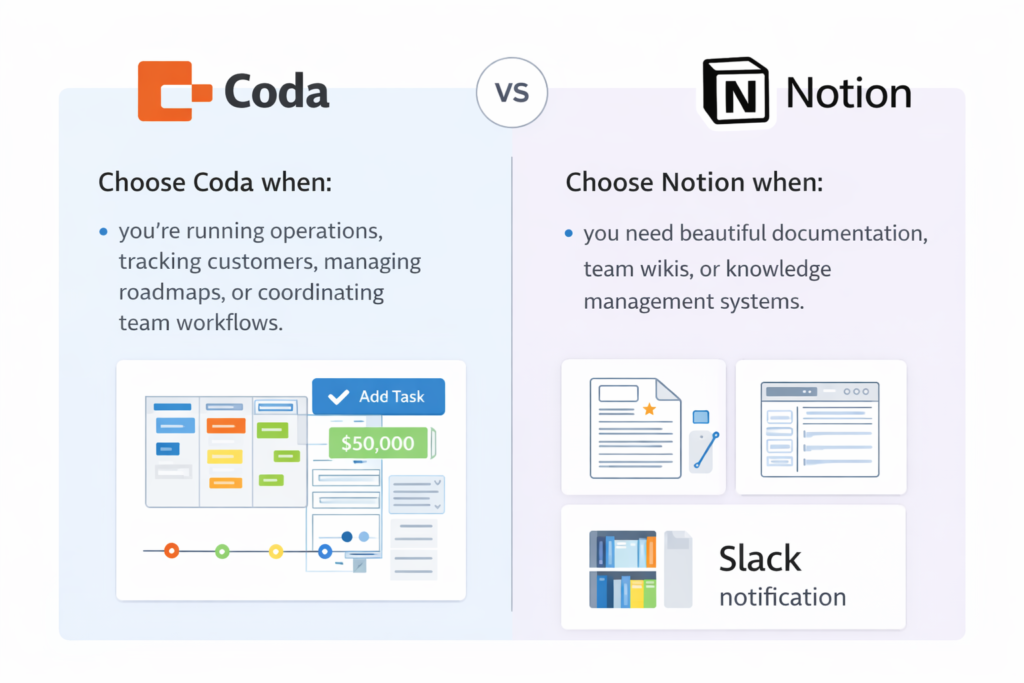
Notion is excellent for documentation, wikis, and knowledge bases.
Coda is better for operational workflows, automations, and data that needs to connect and update across documents.
Choose Coda when: you’re running operations, tracking customers, managing roadmaps, or coordinating team workflows.
Choose Notion when: you need beautiful documentation, team wikis, or knowledge management systems.
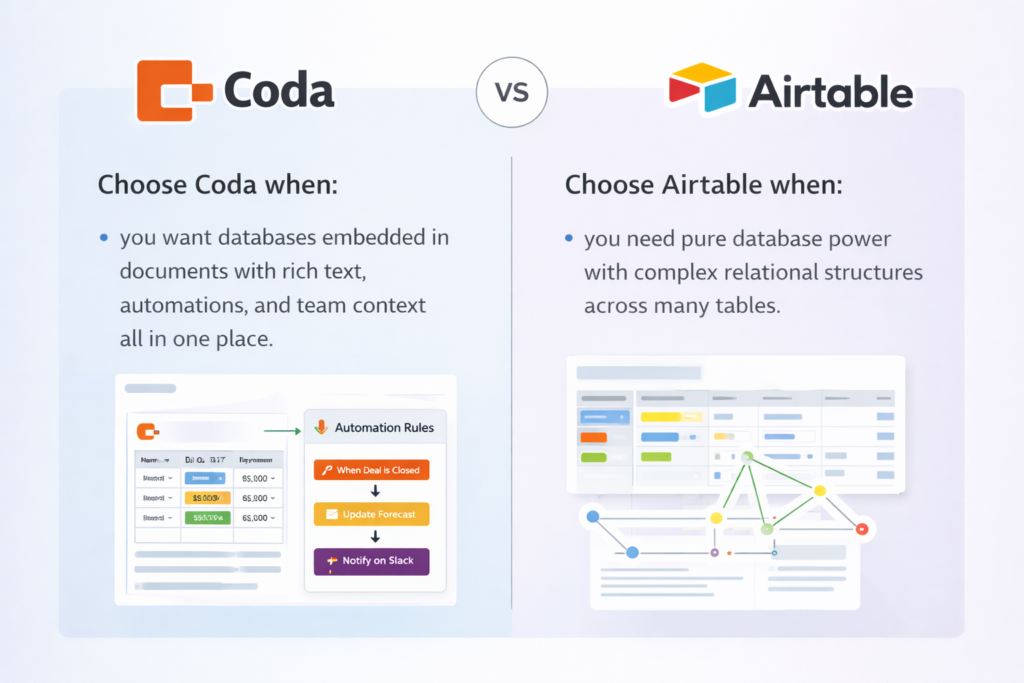
Airtable is a powerful relational database with spreadsheet-like interface.
Coda combines database functionality with document flexibility and deeper automation.
Choose Coda when: you want databases embedded in documents with rich text, automations, and team context all in one place.
Choose Airtable when: you need pure database power with complex relational structures across many tables.
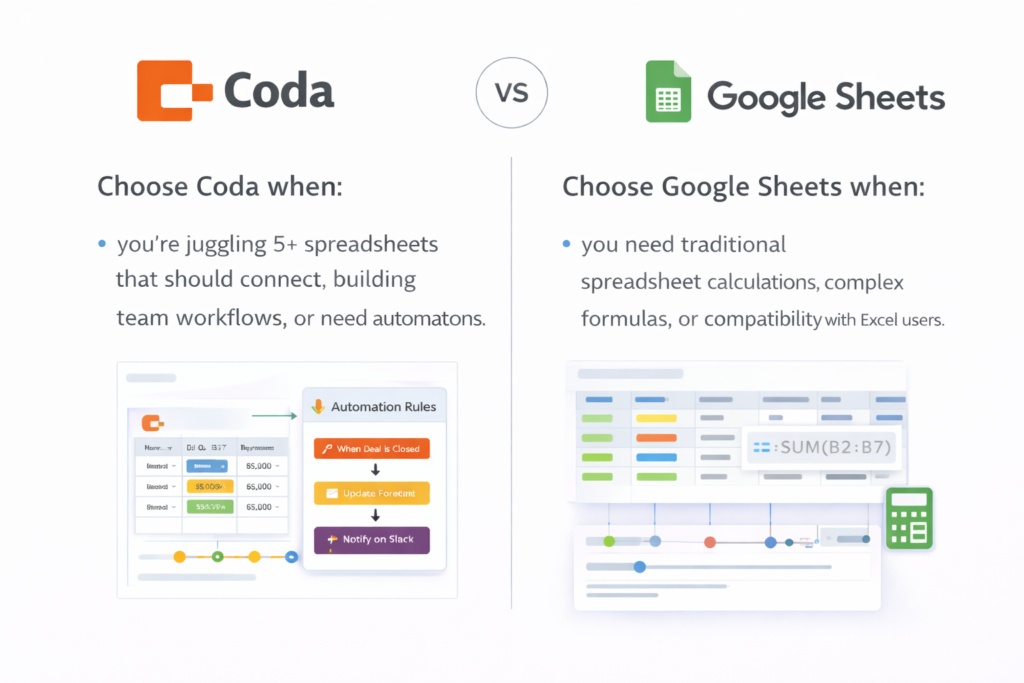
Google Sheets wins for pure spreadsheet calculations, financial modeling, and data analysis.
Coda wins for replacing multiple disconnected spreadsheets with an integrated operating system.
Choose Coda when: you’re juggling 5+ spreadsheets that should connect, building team workflows, or need automations.
Choose Google Sheets when: you need traditional spreadsheet calculations, complex formulas, or compatibility with Excel users.
Final Verdict: Is Coda Worth It?
Yes, if you’re a startup drowning in spreadsheet chaos.
Coda delivers the most value when you’re replacing multiple disconnected tools with one integrated workspace. The ROI shows up in saved time, reduced errors, and faster team coordination.
Who benefits most:
Founders building their first operating system without technical resources. Product teams coordinating roadmaps with customer feedback. Operations managers automating workflows across departments.
Is it worth the cost?
The free plan is genuinely useful, so there’s zero risk in starting. When you upgrade to paid plans, you’re typically saving enough time to justify the expense within weeks.
For a lean startup where every hour and dollar counts, replacing 10 hours of weekly administrative work with a $10-30/month tool is an obvious trade.
My recommendation: Start with the free plan. Build one doc to replace your messiest spreadsheet workflow. If it saves you even 2 hours that week, you’ll know Coda is worth expanding.
Stop wasting time on spreadsheet chaos
Try Coda free today and see what connected workflows feel like.
Take Control of Your Startup Operations Today
You’ve seen how Coda replaces spreadsheet chaos with connected, automated workflows that actually scale.
You’ve learned how startups save 5-10 hours weekly by unifying their operating system in one place.
The question isn’t whether Coda could help your team. It’s whether you can afford to keep managing 10 disconnected spreadsheets when there’s a better way.
Here’s what makes this risk-free:
Coda’s free plan gives you unlimited docs to test everything. No credit card required. You only pay when the value is obvious.
Start small. Pick your messiest workflow. Build it in Coda. See what happens when your data actually connects.
Most founders realize within one week that they’re never going back to spreadsheet hell.
Some links in this article may be affiliate links, and we may earn a commission if you sign up through them. This helps support our work at no extra cost to you. You can read our full affiliate disclosure here.
Frequently Asked Questions
Is Coda really better than spreadsheets for startups?
For operational workflows and connected data, yes. Coda shines when replacing 5+ disconnected spreadsheets with one integrated system. For pure number crunching, traditional spreadsheets still work fine.
How long does it take to learn Coda?
Most people build their first useful doc within 1-2 hours using templates. You’ll be productive immediately, though mastering advanced features takes a few weeks. The learning curve is worth it for the time you save.
Can I migrate my existing spreadsheets to Coda?
Yes. You can import CSV files and Google Sheets directly into Coda tables. The migration process is straightforward, though you’ll want to rebuild automations and connections from scratch to get the full benefit.
Does Coda work offline?
Coda requires an internet connection for full functionality. There’s limited offline viewing, but it’s primarily designed as a cloud-based, real-time collaboration platform.
What happens to my data if I cancel Coda?
You can export all your data as CSV, JSON, or through their API. Coda doesn’t lock you in. You own your data and can leave anytime, though most teams find they don’t want to once they’ve experienced connected workflows.


Leave a Reply to jedan Cancel reply